1.00
(1 Rating)

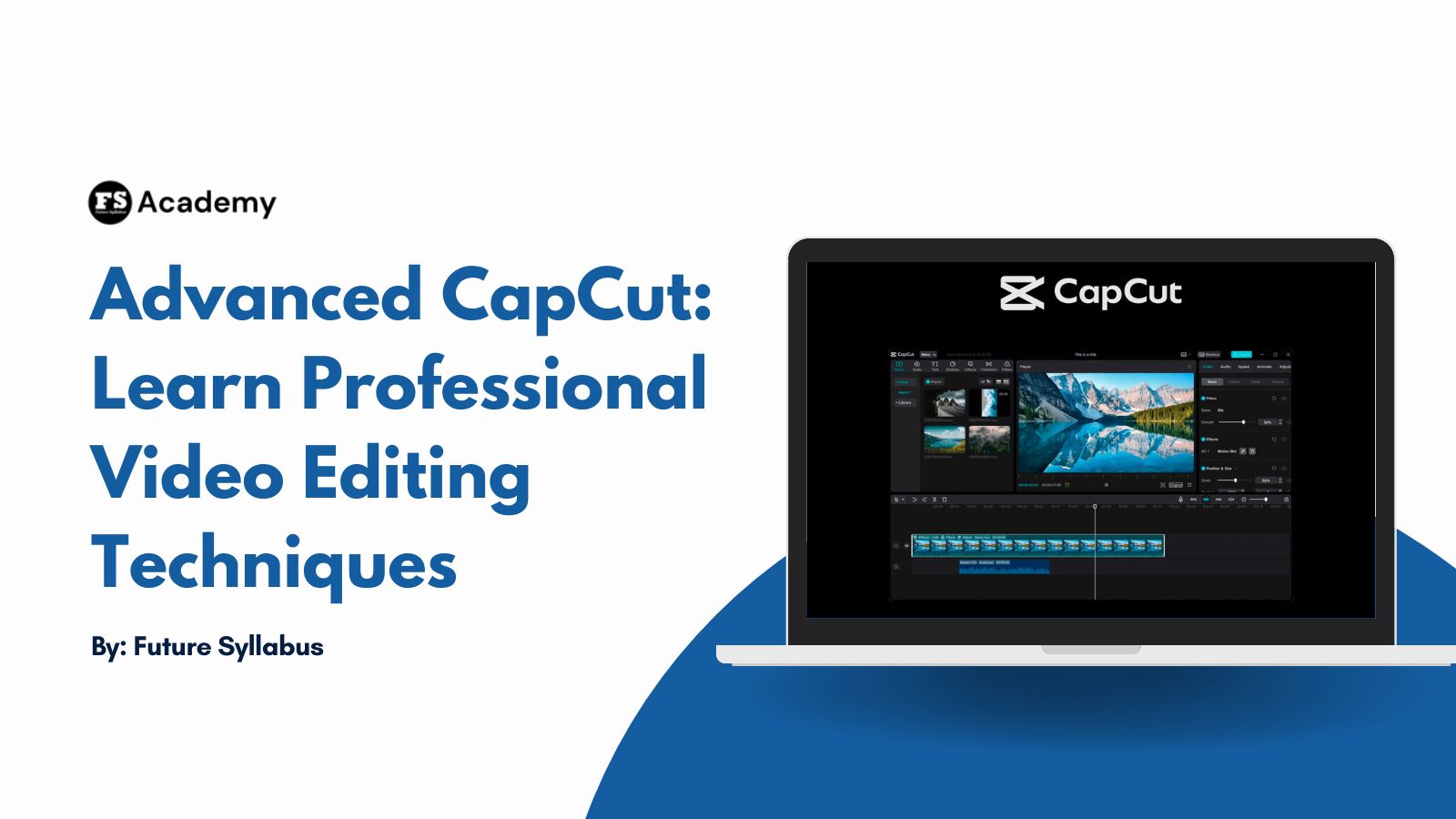
Advanced CapCut: Learn Professional Video Editing Techniques

Wishlist Share

About Course

Advanced CapCut is a practical, hands-on course designed to help learners master powerful video editing techniques using CapCut.

From creating stunning visual effects, cinematic color grading, and motion graphics to working with green screens, object tracking, LUTs, and professional thumbnails, this course guides students through the tools and workflows used by modern content creators.

Whether you’re creating videos for YouTube, TikTok, Instagram, or professional projects, you’ll gain the skills needed to produce engaging, high-quality videos with confidence and creativity.

Through step-by-step lessons and practical class projects, you’ll transform your editing abilities from basic to advanced.

What Will You Learn?

  • Understanding CapCut workspace and interface — helps you edit faster without confusion or wasted time.
  • Creating pop-up video effects — makes your videos more engaging and attention-grabbing on social media.
  • Using zoom in, zoom out, and magnify effects — improves storytelling by highlighting important details.
  • Applying circle masking techniques — allows you to create smooth, professional visual focus effects.
  • Designing custom LUTs (color grading) — gives your videos a unique cinematic style instead of using presets.
  • Working with green screen editing — lets you replace backgrounds and create unlimited creative scenes.
  • Creating blur background effects — makes your subject stand out and adds a cinematic depth feel.
  • Applying cinematic editing techniques — helps you produce professional-quality videos for YouTube and social platforms.

Course Content

Getting Started with Advanced CapCut

  • Introduction to Advance CapCut
    14:17
  • Workspace and Interface
    20:18

Visual Effects

Text and Colour Enhancement

Design and Publishing Assets

Student Ratings & Reviews

1.0
Total 1 Rating
5
0 Rating
4
0 Rating
3
0 Rating
2
0 Rating
1
1 Rating
SJ
2 months ago
I loved how informative every videos shown hopefully I can apply it on my own